Chaocraft Blog
Practical guides for getting more from your Mac
Learn how to choose Mac software, connect your displays, share screens, run Windows apps, and build more productive macOS workflows.
Topic 01
Windows on Mac
3 guides
Pillar guide
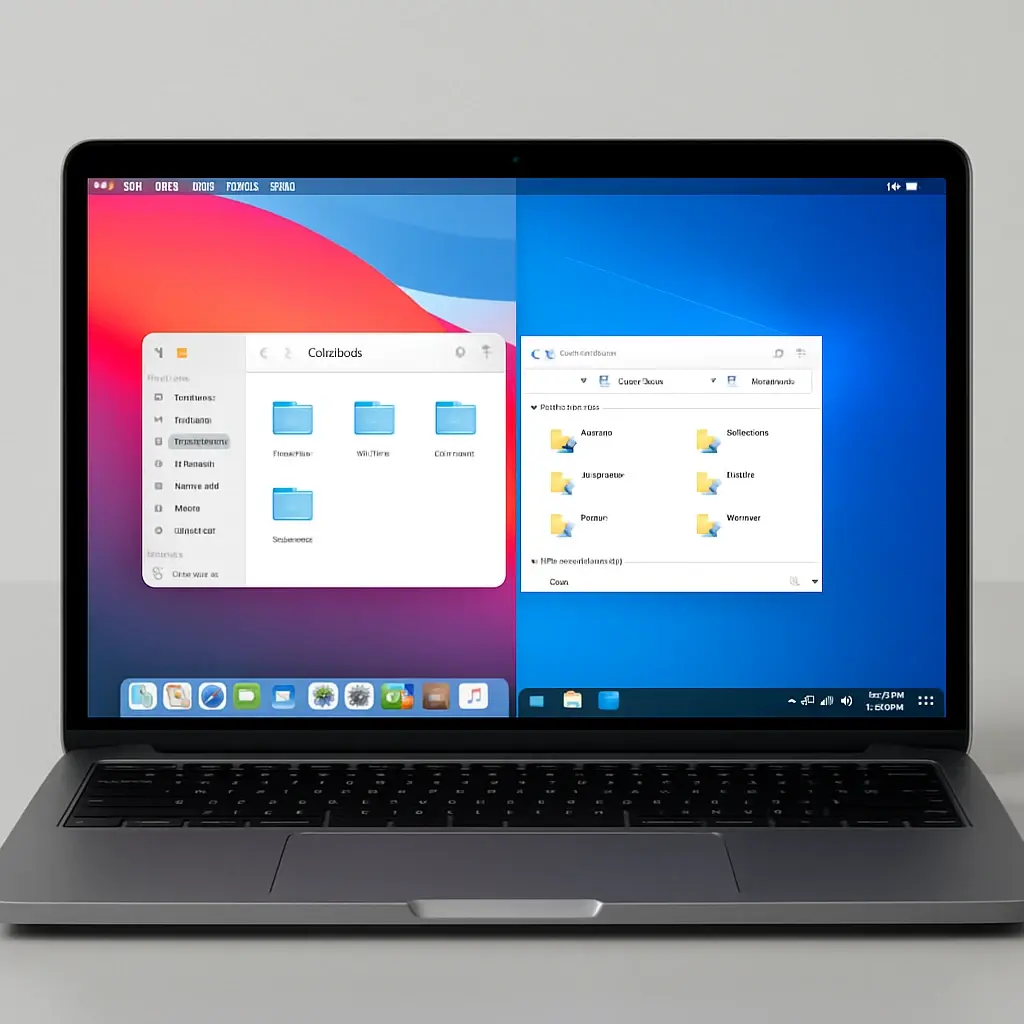
Top Windows Emulators for Mac Users
Mac computers are renowned for their sleek design, robust security, and the seamless macOS experience. However, despite the growing library of native macOS applications, there are still countless moments when you might find yourself needing PC-exclusive software. Whether it is a legacy business application, a niche piece of engineering software, or the latest AAA game, figuring out how to run pc software on Mac is a common hurdle.
Supporting guides
Explore this topic
Windows on Mac
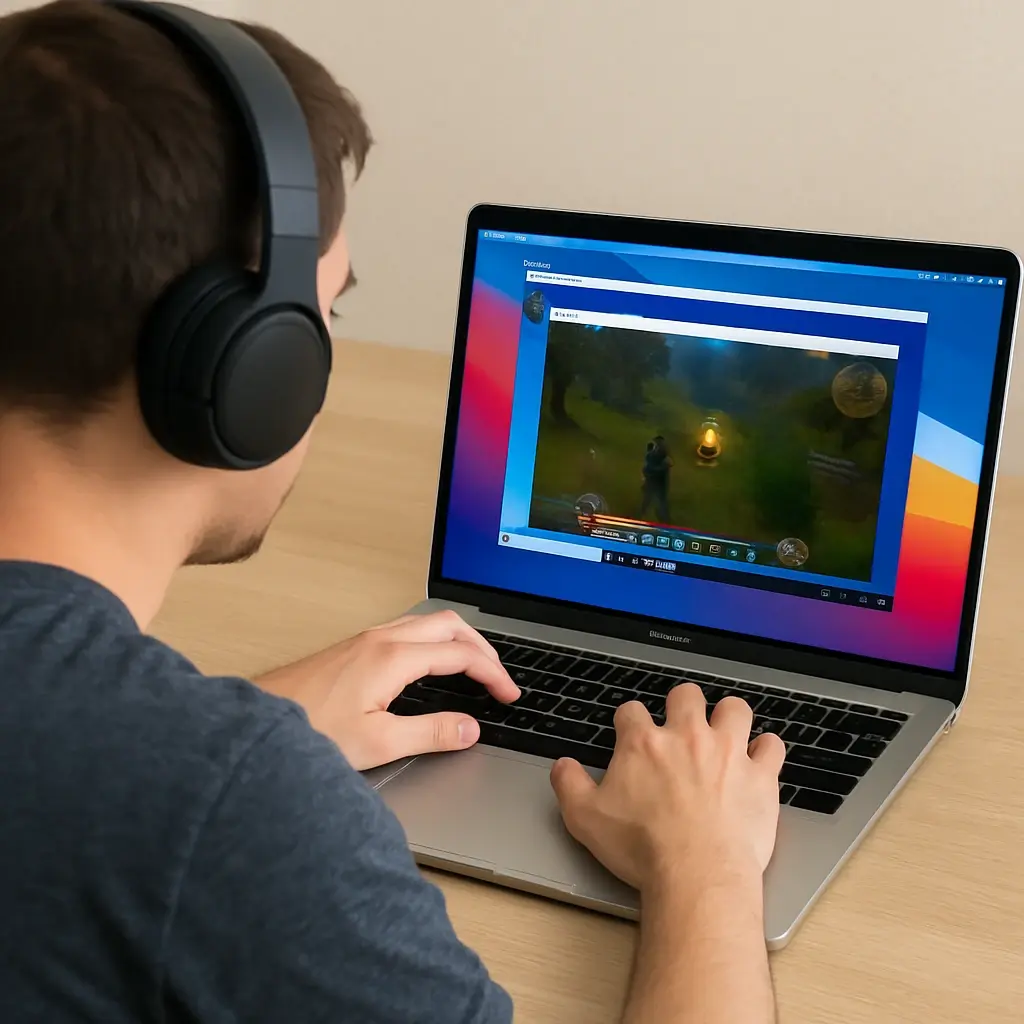
Top Methods to Play Windows Games on Mac
Playing Windows games on a Mac might seem challenging. Macs are not designed for Windows gaming. However, several methods can bridge this gap.
Windows on Mac
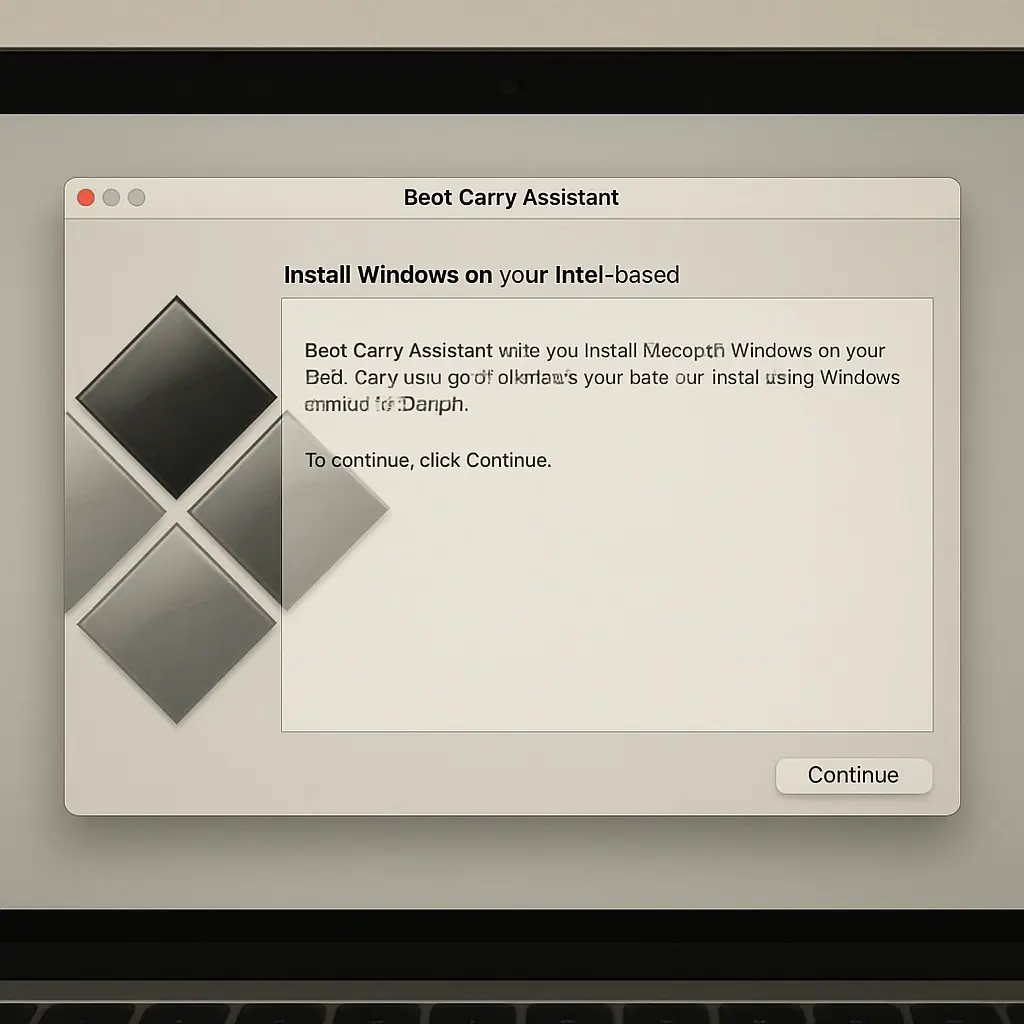
Step-by-Step Guide to Install Windows on Mac
Installing Windows on a Mac might seem daunting, but it's quite manageable. Many Mac users need Windows for specific applications or games.
Topic 02
Screen mirroring on Mac
3 guides
Pillar guide
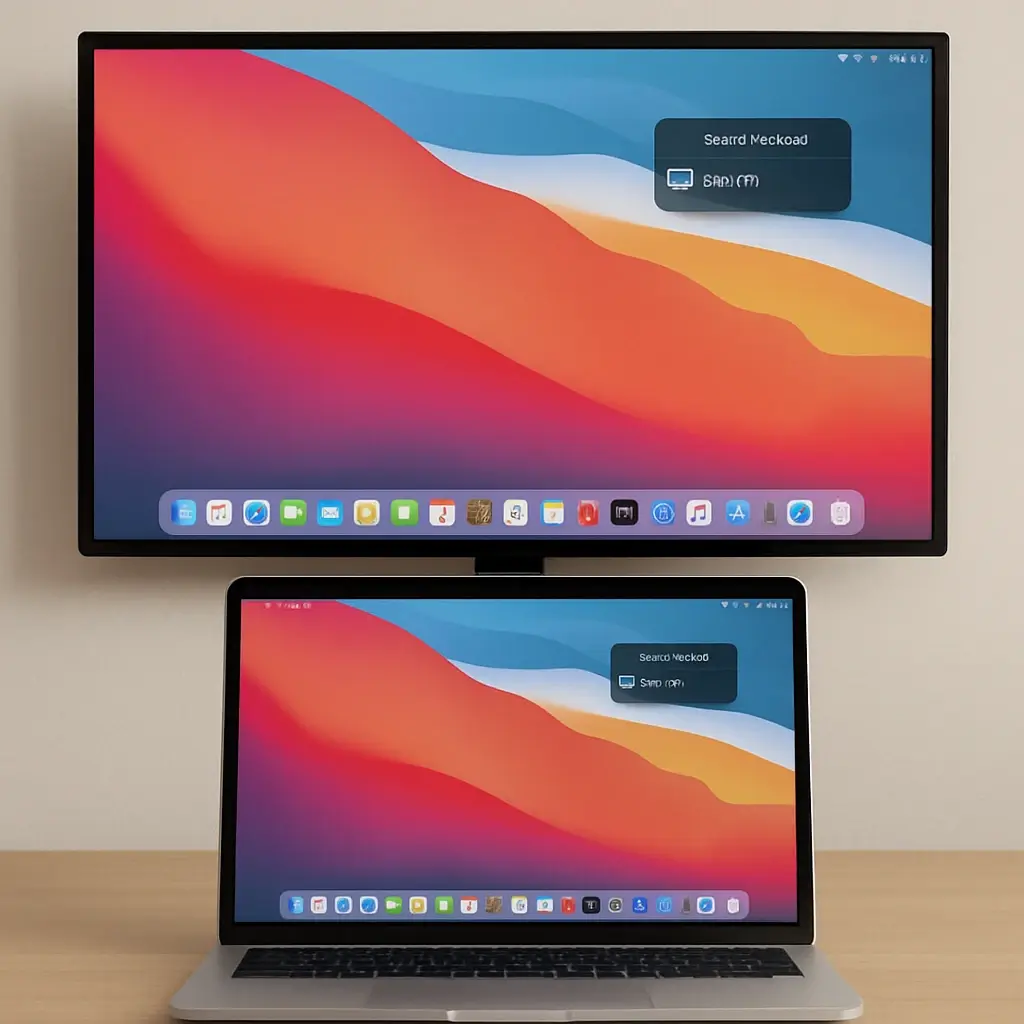
Step-by-Step Guide to Screen Mirroring Mac
Screen mirroring on a Mac is a powerful feature. It lets you display your Mac's screen on a TV. This can enhance your viewing experience.
Supporting guides
Explore this topic
Screen mirroring on Mac
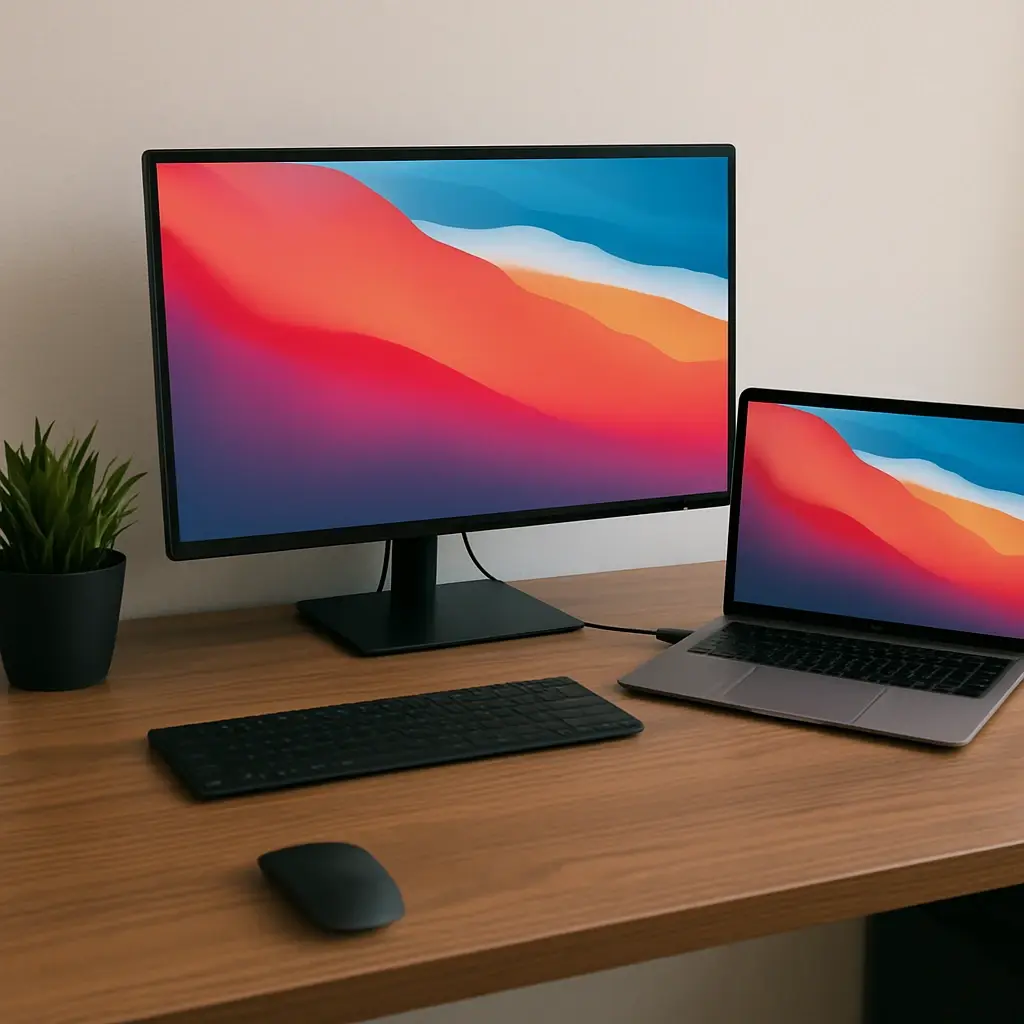
Optimize Your Mac and Monitor Setup for Productivity
Whether you are a graphic designer color-grading your latest project, a software engineer juggling multiple code editors, or a student trying to manage research and writing simultaneously, working on a single laptop screen can feel incredibly restrictive. Pairing your Mac and monitor together is the ultimate productivity hack, instantly doubling your digital workspace and saving you from endless window-switching.

Screen mirroring on Mac
Efficient Screen Sharing for Mac OS X: A Complete Guide
Whether you are collaborating on a creative project, walking a colleague through a complex spreadsheet, or helping a family member fix a technical glitch, knowing how to share your screen is an invaluable skill. The ecosystem of screen sharing for Mac OS X and modern macOS has evolved dramatically over the years, transforming from a niche IT function into a seamless, everyday utility.
Ready to choose your Mac software?
Browse productivity, utility, and compatibility apps available from Chaocraft.
Browse Mac apps