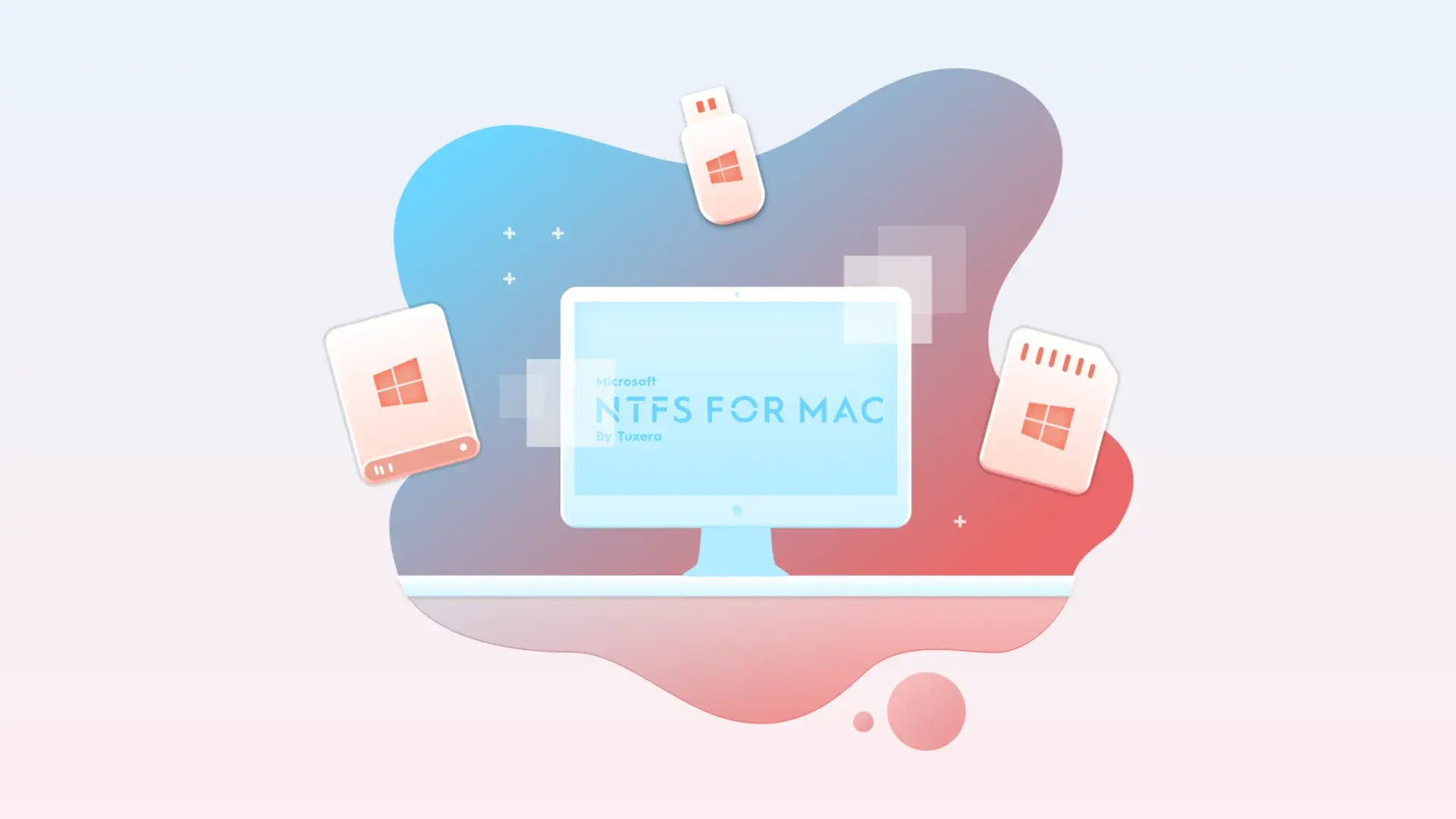
Microsoft NTFS for Mac by Tuxera
by Tuxera Inc.
macOSLicenseLifetimeIn Stock
$18.99$27.25-30%
You save $8.26 today. Instant email delivery after checkout.
Digital Delivery
Fast delivery to your email
Download & Activate
Download from the publisher, enter your key
Support Available
Our team is here to help
Refund eligibility may depend on key delivery or reveal status.
Need help?Contact Support
Genuine Licenses
A genuine license key you activate directly inside the app — no shared accounts.Authentic keys from publishers
Instant Delivery
Your license key is delivered to your email the moment payment clears. No manual review, no waiting.Get your key in seconds
Secure Checkout
All payments handled by Stripe. We never store your card details. PCI-DSS compliant.Payments processed by Stripe
Tax Included
Official stores may add tax on top of the full price. Chaocraft shows the discounted tax-included price up front.Prices shown are all tax included
About This App
Tuxera NTFS for Mac enables full read and write access to Windows-formatted NTFS external drives on macOS without reformatting disks. It is built for cross-platform file workflows and includes high-performance transfer support, compatibility across modern macOS releases, and a companion disk-management utility for checking or repairing NTFS volumes. For users who frequently move files between Windows and Mac systems, Tuxera removes read-only limitations and keeps data exchange practical.
Technical Details
- Publisher
- Tuxera Inc.
- Platform support
- macOS NTFS read/write driver
- System requirements
- Confirm the current Tuxera NTFS for Mac requirement before installing.
- License scope
- Personal one-time license for up to 5 computers
- License duration
- Perpetual
- Updates
- Free updates under publisher terms
- Delivery
- License key by email
- Setup note
- Back up important drives before writing to or repairing NTFS volumes.
Download & Activation
Download Microsoft NTFS for Mac from https://ntfsformac.tuxera.com/ Install the app, open Microsoft NTFS for Mac from System Settings, and enter your product key to activate. One personal license can be used on up to 5 computers.
Who Should Use Microsoft NTFS for Mac by Tuxera?
- Mac users with Windows-formatted external drivesBest for users who regularly connect NTFS USB drives, SD cards, or external disks to Mac and need write access.
- Creators and ops teams moving large filesStrong fit for media transfer and archive workflows where high-capacity external disks move between OS ecosystems.
- Mixed-environment IT and support workflowsUseful for technicians and administrators supporting both Windows and Mac endpoints with shared storage requirements.
Features
- Full NTFS read and write support on macOSWork with Windows-formatted NTFS external drives from Mac as if they were native writable volumes, without reformatting.
- Cross-platform disk workflows without repartitioningShare portable drives between Windows and Mac machines while preserving file access and existing NTFS formatting.
- Performance-focused transfer engineMove large files with sustained throughput and reduced copy friction in media-heavy or archive-heavy workflows.
- Disk Manager tools for NTFS maintenanceUse included utility functions to check, repair, and format NTFS volumes when external drives need maintenance.
Problems This App Solves
- Fix macOS read-only NTFS limitationsUse Tuxera when macOS can read Windows drives but cannot save, edit, or delete files on NTFS volumes.
- Reduce friction in Windows-to-Mac handoffsKeep one shared external drive workflow instead of duplicating storage or converting formats between systems.
- Handle NTFS drive maintenance fasterRecover from common volume issues with integrated check-and-repair capabilities instead of ad hoc troubleshooting.
Questions Before Buying
macOS can read many NTFS drives but does not provide full native write support. Tuxera NTFS for Mac adds NTFS write access for compatible external drives and Windows-formatted disks.
This listing describes a personal one-time license for use on up to 5 of your computers, with updates included under the publisher terms.
Yes. Always keep backups before writing to, repairing, or changing important external drives, especially disks shared with Windows machines.
Chaocraft buys Mac app licenses in bulk from developers, publishers, and authorized distribution partners. That lets us secure lower pricing and pass the savings on to you.
If the license key is invalid, Chaocraft will issue a refund immediately. Otherwise, digital Mac app licenses are non-refundable after the key or activation details have been delivered.
Yes. You will receive the license key and activation details needed to activate Microsoft NTFS for Mac by Tuxera.
User Reviews
No verified buyer reviews yet. Be the first to share your experience.
More Mac App License Deals
Browse related Mac apps with lifetime license key delivery.
 UtilitiesCloudMounterHandpicked companion$49.99-50%
 ProductivityMountain Duck 5Handpicked companion$34.99-29%
 UtilitiesTransmit 5Handpicked companion$32.99-27%
 UtilitiesBetterZip 5Handpicked companion$17.99-28%
 UtilitiesArchiver 5Same file and storage workflow$19.99-23%
 UtilitiesCrossOver 26Popular Mac app deal$149.99-70%
 UtilitiesiStat Menus 7Popular Mac app deal$7.99-33%
 UtilitiesAdGuardPopular Mac app deal$43.99-45%